You might think it’s boring, but it’s important
data storage
Your wedding day is over, the tuxes have been returned, the honeymoon has been honeymooned, and the photographer has emailed or delivered your wedding photos. Hooray! You open the online gallery to browse your beautiful photos, reliving the day, remembering things you'd forgotten, reminiscing your favourite moments, catching up on the things you missed, and seeing what happened on that day in a new and beautiful light. Maybe you have a shiny little usb stick full of photos and videos from your wedding day. You think to yourself “Maybe I'll put it somewhere safe, and then bring it out every year on our anniversary to relive it all start to finish!”
That usb stick is cute, but not to be trusted.
Even if you don't lose it, your data won't last forever on a USB stick. Or a CD. Or a hard drive. Or an SSD. It's time for some bad news: it won't last forever anywhere.
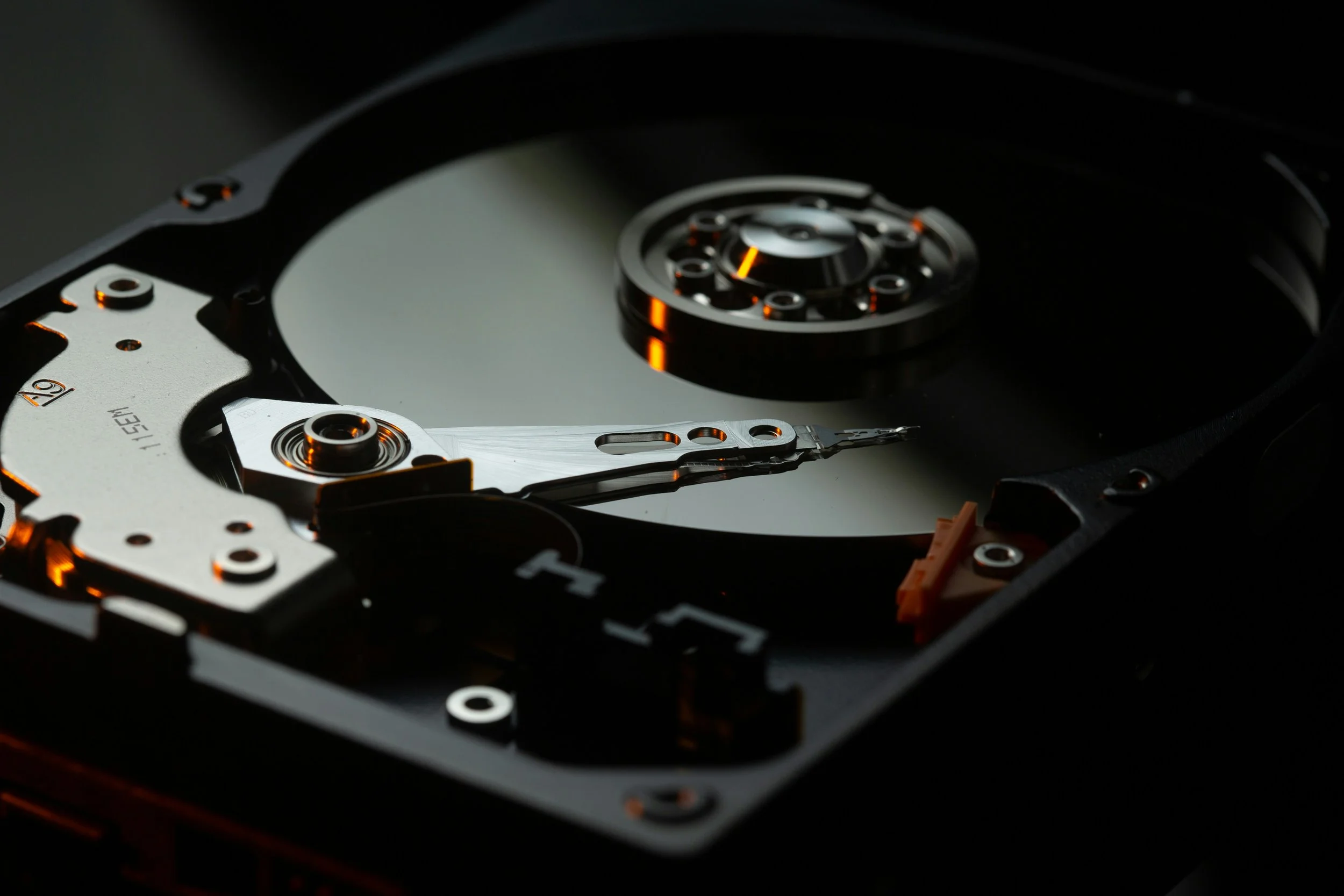
A warning about what lies ahead here: I might get technical. I might get wordy. I might make words up. I might use some super awesome free stock photography from Unsplash.com. I recognize that this is a tough topic, but it's an important one, so please try to bear with me!
Let's go over the numbers (and problems) before we go over the solutions.
1) how long will it last?
Floppy disk: 2-5 years
Burned CD/DVD: 2-10 years
Burned Blue Ray: 20-100 years (as yet unproven)
USB Thumb Drive: 2-10 years
Hard Disk Drive: 2-5 years
Solid State Drive: 3 months to 5 years
These are rough estimates of how long before data begins corrupting on drives of various types. Sometimes you’ll just get a green bar through one photo when it starts. Or sometimes the registry of the drive will be the first thing to corrupt and the whole drive will suddenly become unreadable. Ouch!
Just to make matters worse, these numbers can drop dramatically if exposed to excessive heat (flash drives may only last a few weeks), direct sunlight (burned optical disks, including Blue Rays, can be ruined in hours), or strong magnets (looking at you floppies and hard disk drives). Which is to say, don't leave anything important in a pile of magnets on the dash of your car in the summer. Although I'd love to see that, you'll likely regret it.
And to make matters even worser (I did say I’d make up some words), these are just statistical probabilities. Your hard disk drive could fail in just a few minutes, or it could last for 50 years! "Now hold on a minute!" I can hear you saying. "I've been using this (insert device name) for 5 years and it hasn't lost anything!" This is because of things called error correction and sector reallocation. If a computer comes across a tiny part of its drive that isn't working, if it's small enough, it can usually salvage the data that that little dot was in the middle of, move it somewhere else on the disk, and then mark off that spot to never be used again.
In this way an actively used drive can sometimes outlast one that’s waiting in a firesafe. A hard drive or thumb drive in the closet doesn't get checked for errors regularly, so as a drive develops bad sectors, there is no process in place to tend to its wounds. The next time you plug it in, you could be missing a large portion of data, or find it won't even run at all! Solid State Drives are even worse for this, as the longer they spend inactive, the less stable their storage medium becomes. Does that mean that running back up drives regularly or even all the time is a better idea? Not necessarily, as the likelihood of total drive failure increases with usage time.
Is all hope lost? Is there no way to save your precious memories? Let me introduce you to a little thing known as...

2) the 3-2-1 rule
This catchy little rule of thumb is by no means my own invention, but it is something you should always keep in mind. The rule goes as follows: you should always have at least three copies of your data, in at least two different forms, one of which is "offsite" in another location.
Why three copies? Let me tell you a little story about something that happened to an imaginary fellow named “Les Terry”. He had his hard drive completely backed up on an external drive and had "nothing to worry about". Then one day, he noticed that some files were missing on his laptop, did a scan, and found many bad sectors. Uh oh! Les then plugged in his external hard drive to replace this missing and corrupted data. He was greeted with a file directory containing nothing but a D:\ . The external hard drive had failed even more catastrophically than the one in his laptop since the last time he had used it (only a week before). After days of tinkering and scouring of the drives for hidden, partial, or deleted files, only about half of the data could be recovered in the end. Wes, I mean, Les learned his lesson, and now practices the 3-2-1 rule, and then some.

3) What can you do?
A) Buy an external hard drive with included backup software.
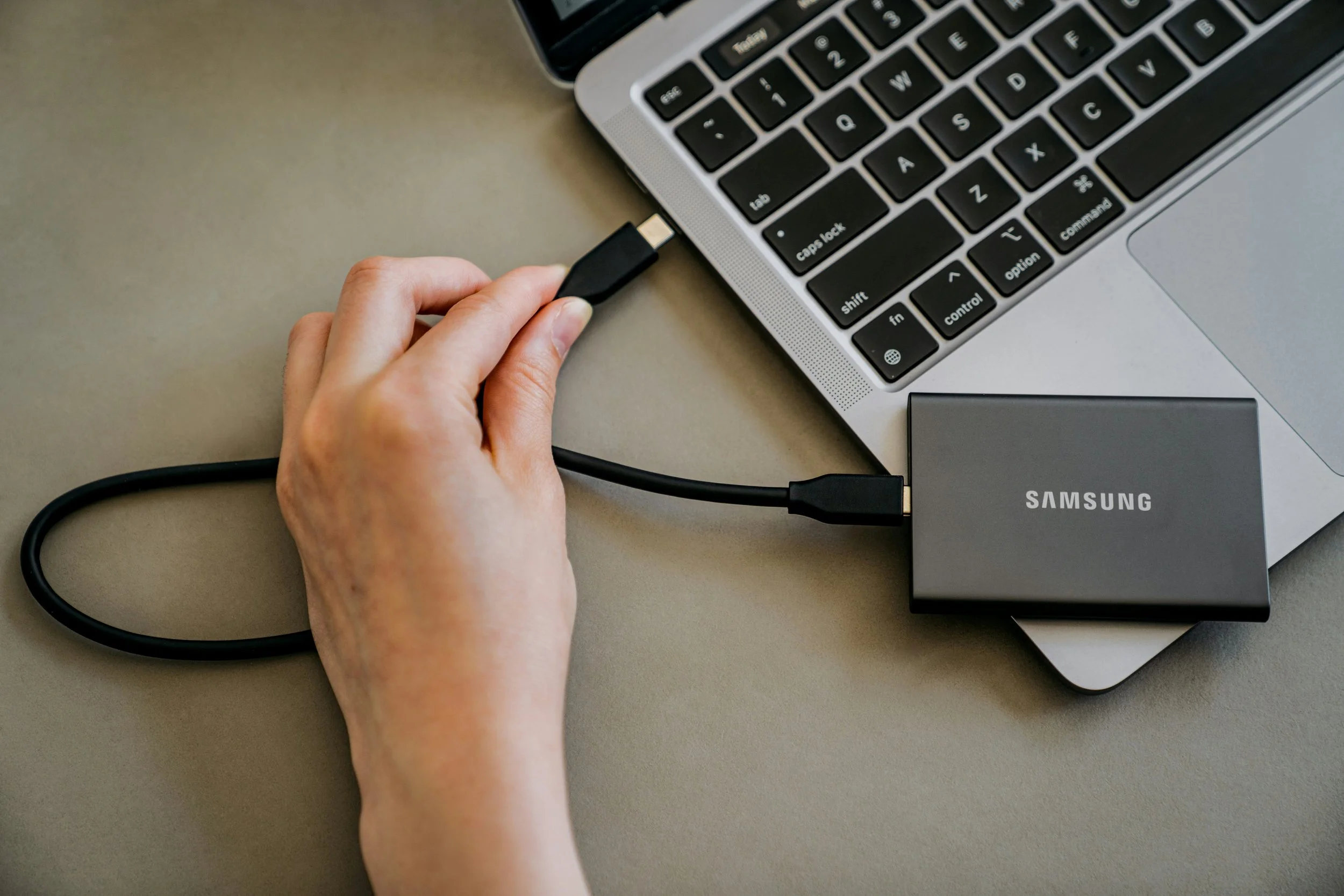
Keep your important photos both in your main computer’s storage as well as on something external. There are some great options from about $100 from Western Digital and Seagate that you can use to easily back up your entire hard drive from time to time. Keep these drives in a safe place. If you can't afford a fire safe (small ones can be had for under $100), then put it in a waterproof ziplock bag in a cool, dry location in your house, and if possible make another copy in a similarly safe location in the house of someone else you trust. Occasionally update and swap the drives back and forth to keep them current.
B) Get into the cloud
I know this can be scary for many people. It seems like we hear every day about a new data breach In the grand scheme of things though, if you go with a trusted company with a solid track record, using a strong password and two factor authentication, your data is usually safer with them than it is on your own computer.
Be wary of "free" online backup plans, and read the fine print, of which there is invariably a lot of these days. Sometimes you're actually signing over the rights to the snooping of your data, or the right for them to permanently compress/degrade all your photos (like Google Photos' if you check the “storage saver” option). Apple's iCloud won't additionally compress your photos, but you'll likely have to move out of the free tier and pay for the amount of storage required to store all your photos.
There are more intense backup services out there like Backblaze and Carbonite, but they’re a little less user friendly, and more targeted at professionals.
C) Check back from time to time
For all of these methods, there is always the chance something will go wrong, and if you just set it and forget it, things will go from wrong to worse while you’re not looking. When you’re updating your backup drive(s), be sure to have a look at what’s on them to make sure it seems to be working fine. Same for the cloud as well. Take a stroll down memory lane to make sure there aren’t any memories missing, then if so, replace them from your other sources.

Making Changes
All this might sound difficult to you. Difficult to accomplish, or even difficult to understand. I might have just given you reason to worry instead of giving you the power to help yourself. While I hope that I have helped point you in the right direction, please don't just read this and consider yourself caught up on everything. We're now living in a digital age, and although it often seems nearly impossible, we need to stay on top of some of these things.
To stay on top of where your data is going and who has access to it. To think about what would happen in the event of an emergency or unexpected failure.
Talk to someone who knows, read up on it yourself, learn whatever you can, and take control of your digital destiny. Peace of mind and lasting digital memories are waiting for you on the other side.
It’s always my goal as a photographer to make photos that can withstand the test of time, and memories that can last forever. Unfortunately forever is a very long time, and my photos might need a little bit of help getting there ;)